Fisheye interface- PTZ
See general Luma x20 PTZ settings here.
Warning: Occasionally, ePTZ controls may not behave as expected. If you experience this, try using the diagonal controls instead.
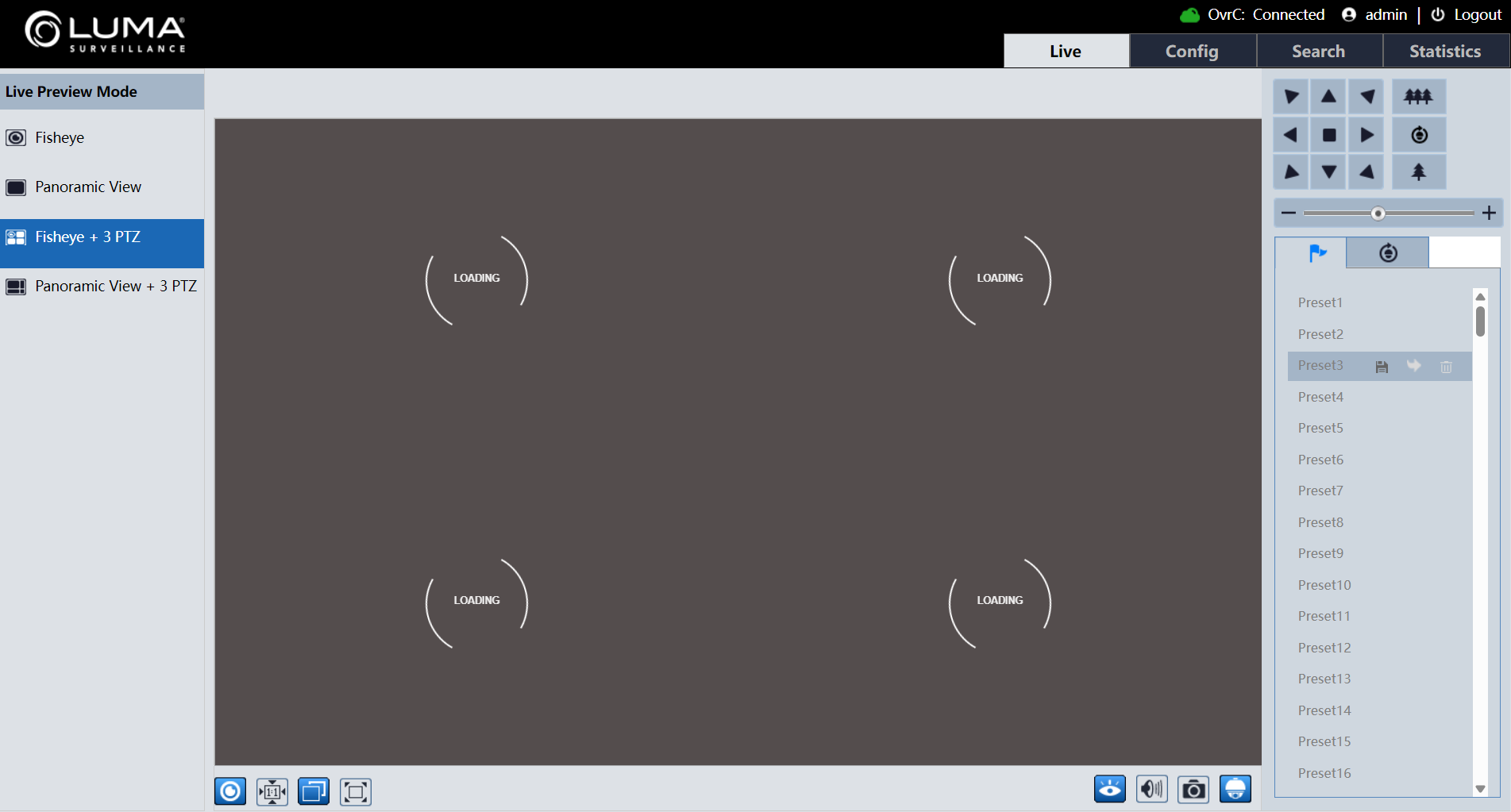
PTZ Control
Click  to display the PTZ control panel.
|
Icon |
Description |
Icon |
Description |
|---|---|---|---|
|
|
Move upper left |
|
Move upper right |
|
|
Move up |
|
Stop movement |
|
|
Move left |
|
Move right |
|
|
Move lower left |
|
Move lower right |
|
|
Move down |
|
Speed adjustment |
|
|
Zoom out |
|
Zoom in |
|
|
Automatic cruise |
|
Preset |
|
|
Create and call cruise |
|
|


Preset Configuration
-
Select the Preset from the preset list on the right.
-
Click
 to save the preset position.
 -
Click
 to call the set preset.
 -
Select the set preset and click
 to delete the preset as needed.
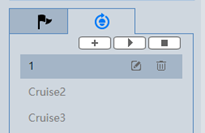
Cruise Configuration
- Click the
 tab to begin cruise creation.
 - Click
 to add the cruise.
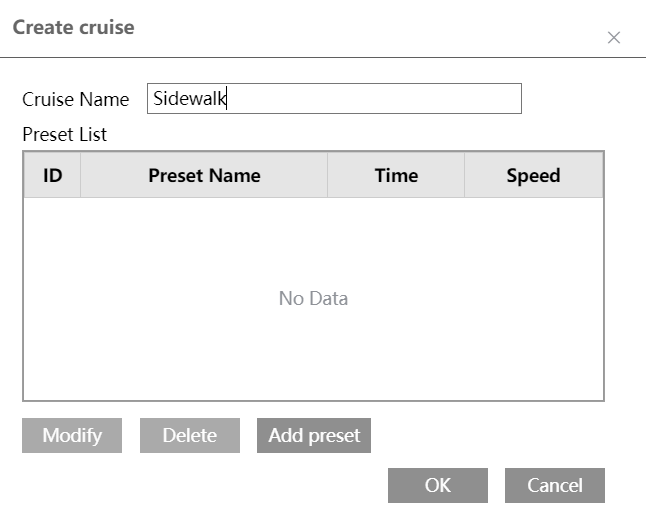
 - Enter the cruise name and click Add Preset.
- Select the preset name and time and click OK.
- Click OK again to save the settings.
- Select the cruise and click
 to begin the cruise.
 - Click
 to stop the cruise.
 - Click
 to modify the cruise and to delete it.
See all fisheye special features here.